
Home & business visits · Canberra & Queanbeyan
Computer help.
At your place.
Wi-Fi dropping out, a printer that won’t connect, or a new computer to set up? We help get your technology working together, right where you use it.
Local help from Crawfords · Visits by appointment
Rated 4.9 out of 5 on Google 387 reviews
Help with the technology
around you.
We can check your computer, Wi-Fi and printer together, where you use them, and help get everything working as it should.
Wi-Fi & internet connections
Help with dropouts, weak coverage, router setup and getting your devices connected.
Printers & scanners
Setting up a printer, reconnecting it to Wi-Fi, or finding out why you can no longer print or scan.
New computers & moving files
Help with setup, software, email, backups and transferring files from your old computer.
Email & everyday software
Help with email setup, software problems and settings that are getting in the way.
Slow computers & security
Finding what’s slowing your computer down and helping deal with unwanted software and security problems.
Home offices & small businesses
Practical support for computers, shared printers, networks and point-of-sale setups.
Service area & charges
Plan your visit.
Canberra, Queanbeyan and surrounding areas.
We visit homes and businesses across Canberra and Queanbeyan, and as far as Yass and Bredbo.
Approximate service area · 75 km from Canberra CBD
For visits beyond the area shown, call us to discuss arrangements.
When will we arrive?
Your booking time starts a one-hour arrival window. For a 10am booking, we aim to arrive between 10am and 11am, as close to 10am as possible. Earlier appointments or unexpected delays can occasionally take us beyond that window.
If you need a particular arrival or finish time, speak with us before booking so we can discuss the best arrangement.
Allow time for your list.
Tell us about everything you would like help with, including any other devices. If the work may take more than an hour, ask for a longer appointment so we can reserve enough time.
You don’t need to estimate the time precisely. We can help you decide when you call.
Local people you can talk to
Meet your technicians.
David and Ben provide onsite computer help for homes and businesses, backed by our Greenway workshop.
All Crawfords staff are police checked.

David Crawford
Founder & technician
David combines onsite help with hands-on repairs at our Greenway workshop, helping you work through the problem and understand the next steps.

Ben Tassone
Lead mobile technician
Ben helps home and small-business customers solve computer problems, set up new equipment and get their devices working together.
A straightforward next step
How your visit works.
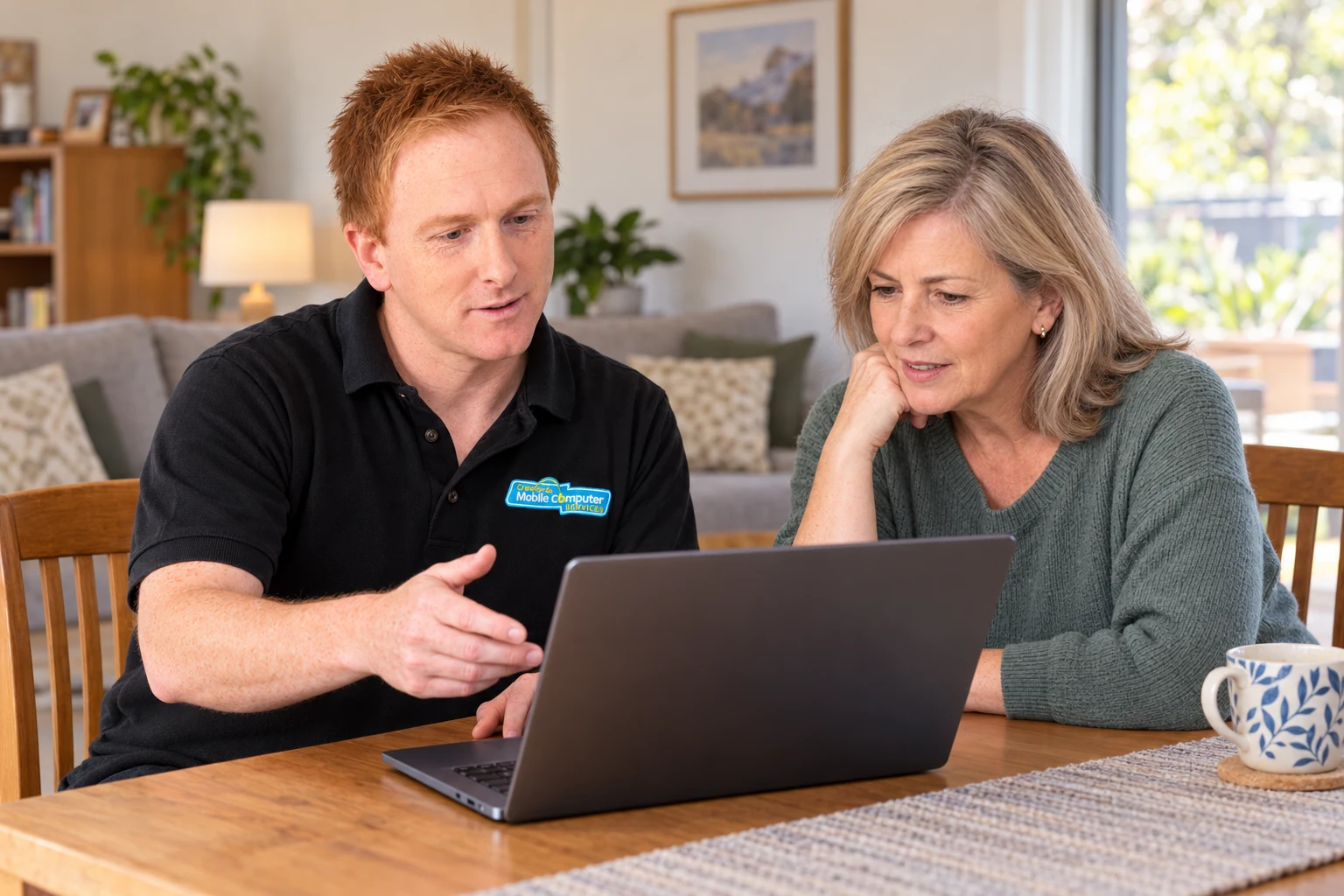
Tell us what’s happening
Call with your suburb and what you need help with. You don’t need to diagnose it first.
Arrange your visit
We’ll discuss a suitable time and explain the charges.
Work through the problem
We’ll work to resolve the problem, explain what we’ve done and discuss any further steps needed.
Evening and weekend visits are available by appointment. View appointment hours
A few useful things to know
Before we arrive.
Do I need to disconnect everything?
No. Leave your equipment connected as you normally use it, so we can check the whole setup.
Can you help with several devices?
Yes. Tell us what you would like help with when you book. If it may take more than an hour, ask for a longer appointment. You don’t need to estimate it precisely; we can help you decide how much time to reserve.
What if my equipment needs workshop work?
Most services can be completed onsite. Data recovery, laptop hardware repairs and long-running diagnostics may need workshop facilities. We can take your equipment back to our Greenway workshop and return it when the work is complete. How workshop repairs work
What should I have ready?
Have your equipment, chargers and sign-in details ready, along with your phone or other verification device. A short list of the problems is useful too.
Let’s get your technology
working together.
Call with your suburb and tell us what you need help with.
Home and business visits by appointment.