
Phone & remote computer support
Computer help,
without the trip.
David and Ben can help with many everyday computer problems over the phone. When it’s useful, and with your permission, we can also connect to your computer and work through the problem with you.
Start with a call. We’ll help work out whether remote support is a good fit.
Phone and remote support by appointment.
Appointments & charges
Everyday help
Problems we can often help with.
Email and accounts
Trouble sending or receiving email, setting up an account, or getting your email working in a new program.
Software and settings
Help with software installation, updates, browser problems, computer settings and some causes of slow performance.
Printers and scanners
Once your printer is connected, we can often help get it printing or scanning from your computer.
Backups and everyday guidance
A hand with backups, keeping files in sync across devices, managing files and everyday computer tasks you’d like explained.
Not sure where your problem fits? Tell us what’s happening. You don’t need to diagnose it before you call.
How it works
Help that starts with a conversation.
Sometimes a conversation is enough.
We can talk you through checks and settings over the phone, one step at a time. If you’d like to understand a task or try something yourself, we’ll explain it in plain English.
When it helps, we can connect.
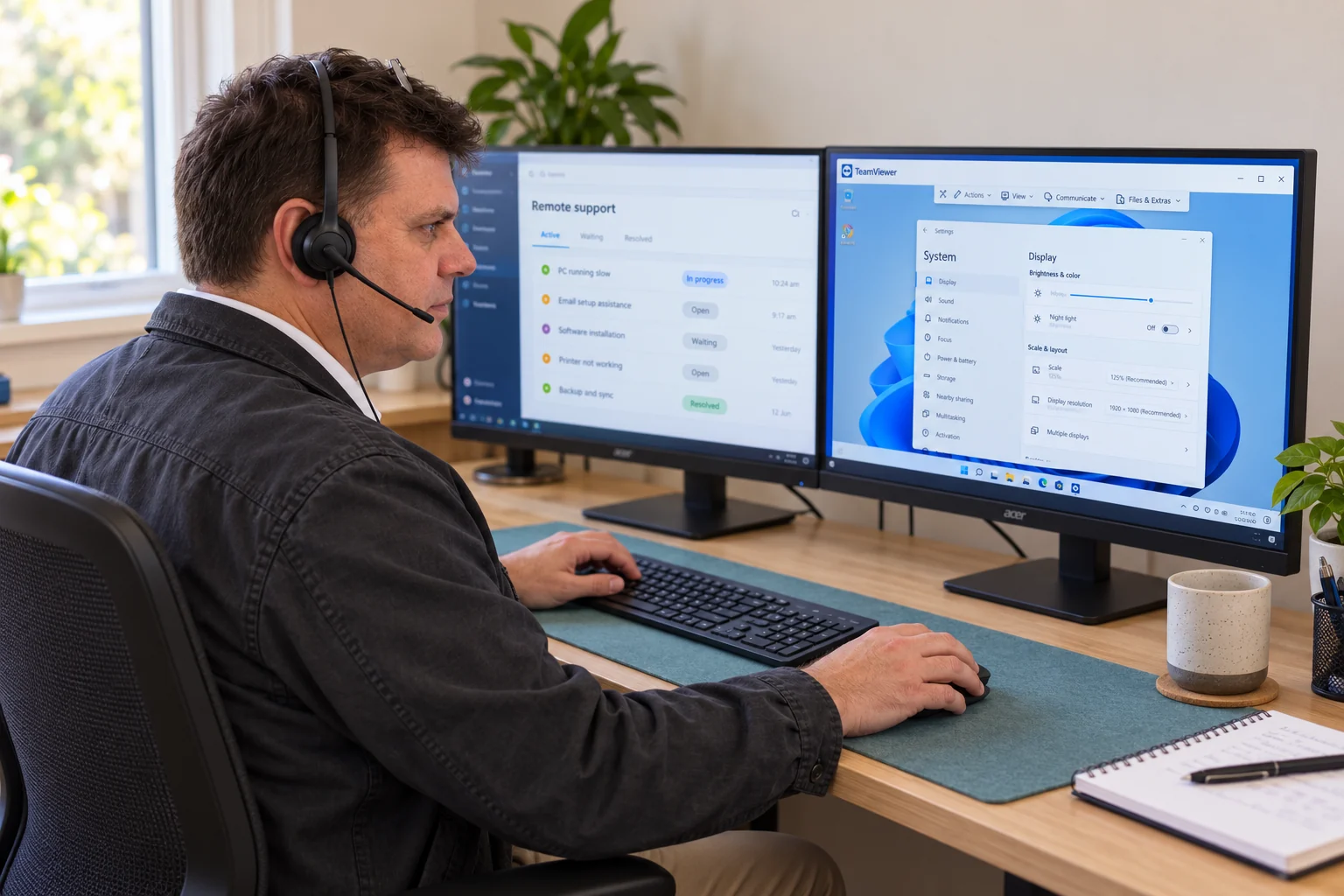
For a suitable problem, we’ll guide you through opening a support tool and approving the connection. We can then work on your computer while talking with you, explain the changes, and show you how to end the session.
We use TeamViewer, AnyDesk or another suitable tool. Your technician will explain which one to open; you don’t need to choose before calling.
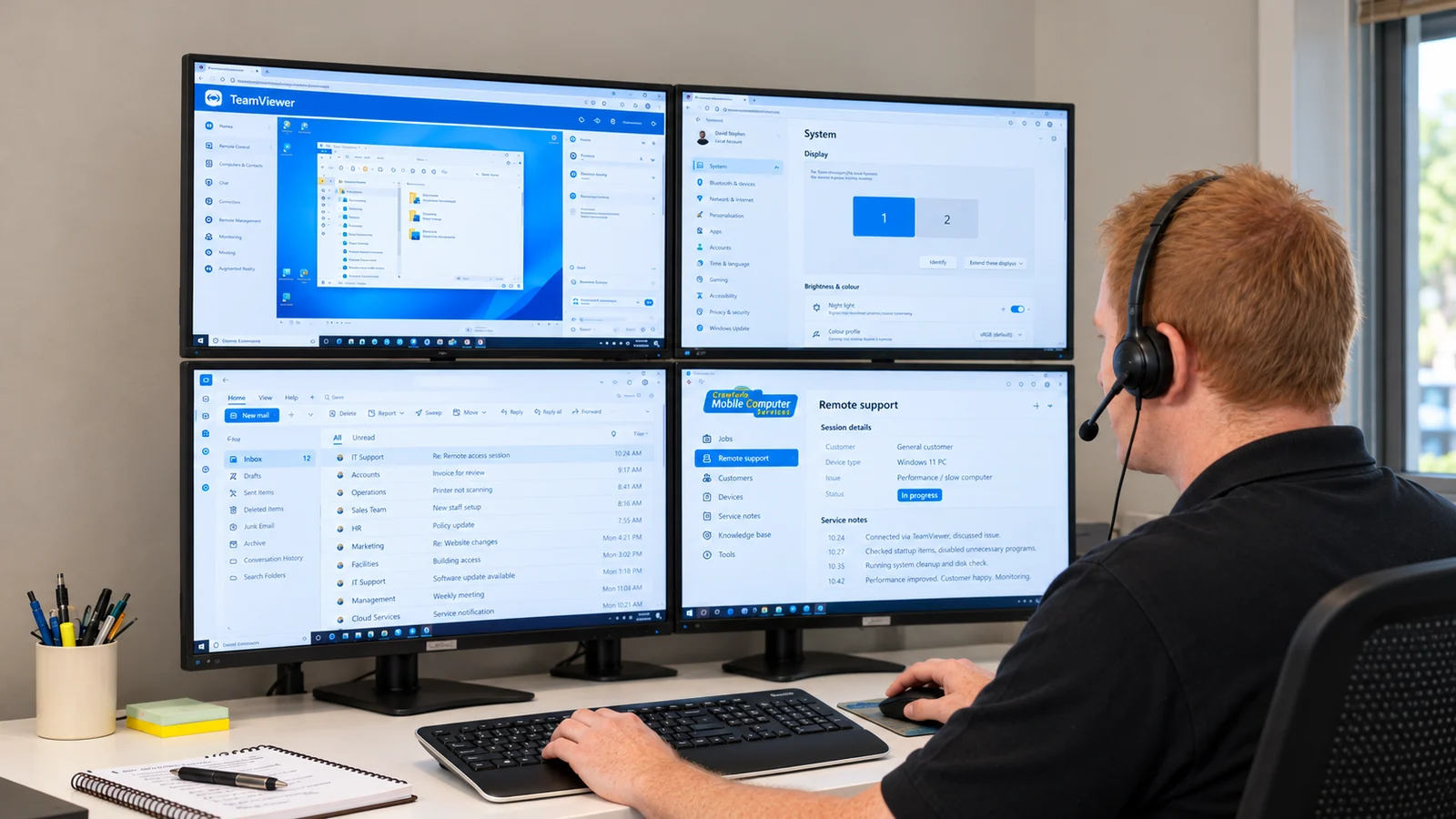
Remote help from David and Ben. Both provide phone and remote support.
About our techniciansFinding the right help
Is remote support right for this problem?
A remote computer session needs a computer that starts and can connect to the internet. It can be a convenient way to work through software, email and settings problems without bringing the computer in.
If your computer won’t start or can’t get online, call us anyway. Phone-guided checks may help identify the next step.
Physical damage, faulty parts and problems that need hands-on inspection may be better suited to the workshop or an onsite visit. We’ll help you choose the appropriate option.
When will you call?
Your appointment time is the start of a one-hour call window. For a 10am booking, we aim to call between 10am and 11am. This is a start window, not the length of your support session.
We try to call as close to the booked time as possible, but earlier appointments or unexpected delays can occasionally take us beyond that window. If you need a particular call or finish time, please speak with us before booking so we can discuss the best arrangement.
Allowing enough time
Tell us if you have a list of things you’d like help with. If the work may take more than 30 minutes, ask for a longer appointment. You don’t need to estimate it precisely; we can help you decide how much time to reserve.
Support charges
Remote support charges.
$145 per hour
30-minute minimum: $72.50 for booked support, unless agreed otherwise.
After the minimum, time is charged at the same hourly rate, rounded to the nearest 15 minutes.
Booking time reserves space in our day; you pay for the time spent on the work, subject to the minimum and rounding above. If you book two hours and the work takes one hour, you pay for one hour of support, plus any applicable after-hours surcharge.
Booked support may take place entirely over the phone, through a remote connection, or both. Charges cover time spent solving your problem, fixing something on your computer or talking you through a repair. The booked minimum applies even when no remote connection is needed, unless agreed otherwise.
Quick, unbooked help
We don’t normally charge for general conversations and advice. Brief, unbooked phone or remote assistance lasting five minutes or less is usually free. Longer assistance is considered case by case, and we’ll discuss any charge before continuing. Booked appointments have the minimum charge shown above.
Appointments booked to start after 5pm on weekdays, or on Saturdays, Sundays and public holidays, may attract a $49 after-hours surcharge unless stated otherwise.
Hours & appointment informationBefore your call
A few practical questions.
Do I need to install anything before I call?
No. Call us first. If a connection will help, your technician will explain which tool, such as TeamViewer or AnyDesk, to use and guide you through opening it. If you’re already speaking with us and have been asked to download a tool, use our support downloads page.
Do I need to be at the computer?
For a phone-guided session, plan to be at the computer with a phone you can use comfortably. You may need to describe what you see, approve the connection or try a step with us. Let us know if that will be difficult.
Will I need to use a webcam?
A webcam isn’t needed for ordinary phone and remote computer support. We can speak by phone and, where appropriate, use the support tool to work with your computer screen.
Tell us what’s happening.
Call Crawfords and we’ll help work out the next step.